Fractional Senior Design Engineer on demand.
Work directly with Aaron, a former Meta Staff Designer, to design and build your product. Get high-fidelity UX, design systems, and working production code delivered for one flat monthly price.
Why DONO Studio
Staff-level product execution without the payroll.
A fraction of the cost
A full-time Staff Designer or Senior Frontend Engineer costs $300k+ each in salary and equity. DONO Studio gives you elite UX design and production-ready code for a flat $4,999/month—pause or cancel anytime.
World-class design quality
12 years of experience spanning Meta, GoDaddy, and fast-moving startups. I grasp complex product context fast, communicate cleanly, and ship high-caliber consumer and enterprise design from day one.
Who Is This For?
Built specifically for teams that need high-caliber design execution without traditional overhead.
Early-stage startups chasing PMF
Founders who need senior-staff design thinking to validate product-market fit and ship 0-to-1 features quickly, but can't afford a $400k full-time Product Designer.
Teams with intermittent design needs
Companies that need top-tier design support for active feature launches, but don't have enough continuous volume to justify a full-time hire. Subscribe when your roadmap heats up, and pause when it slows down.
Growing teams looking to uplevel quality
Product teams with existing designers who need specialized design consultancy to elevate their end-to-end product experience.
How It Works
A simple queue. Zero meeting overhead.
Subscribe & Request
Subscribe to a plan and submit whatever you need—from a quick screen tweak to a complete 0-to-1 app flow.
Receive & Build
Get high-fidelity designs, interactive prototypes, or production-ready code in 2 to 3 business days.
Iterate, Pause, or Cancel
Request unlimited revisions until it's perfect. Finished for the month? Pause your subscription so you never pay for unused days.
Services we provide
End-to-end design execution for modern software teams.
Frontend code & design systems
Production-ready UI components, Tailwind styles, and fully responsive frontend code pushed directly to your repo.
Mobile & web apps
Responsive digital experiences designed for speed, usability, and scale.
Consumer & enterprise software
From high-converting consumer flows to complex business logic and permissions.
Design systems & information architecture
Scalable UI component libraries, design tokens, and clear product structures.
Brand & visual identity
Logos, visual systems, and brand guidelines that set your product apart.
Audit & design consultancy
Strategic teardowns, UX evaluations, and expert advice to elevate your existing product experience.
Selected Work
A range across consumer, enterprise, and brand work. Current client work stays private by default.
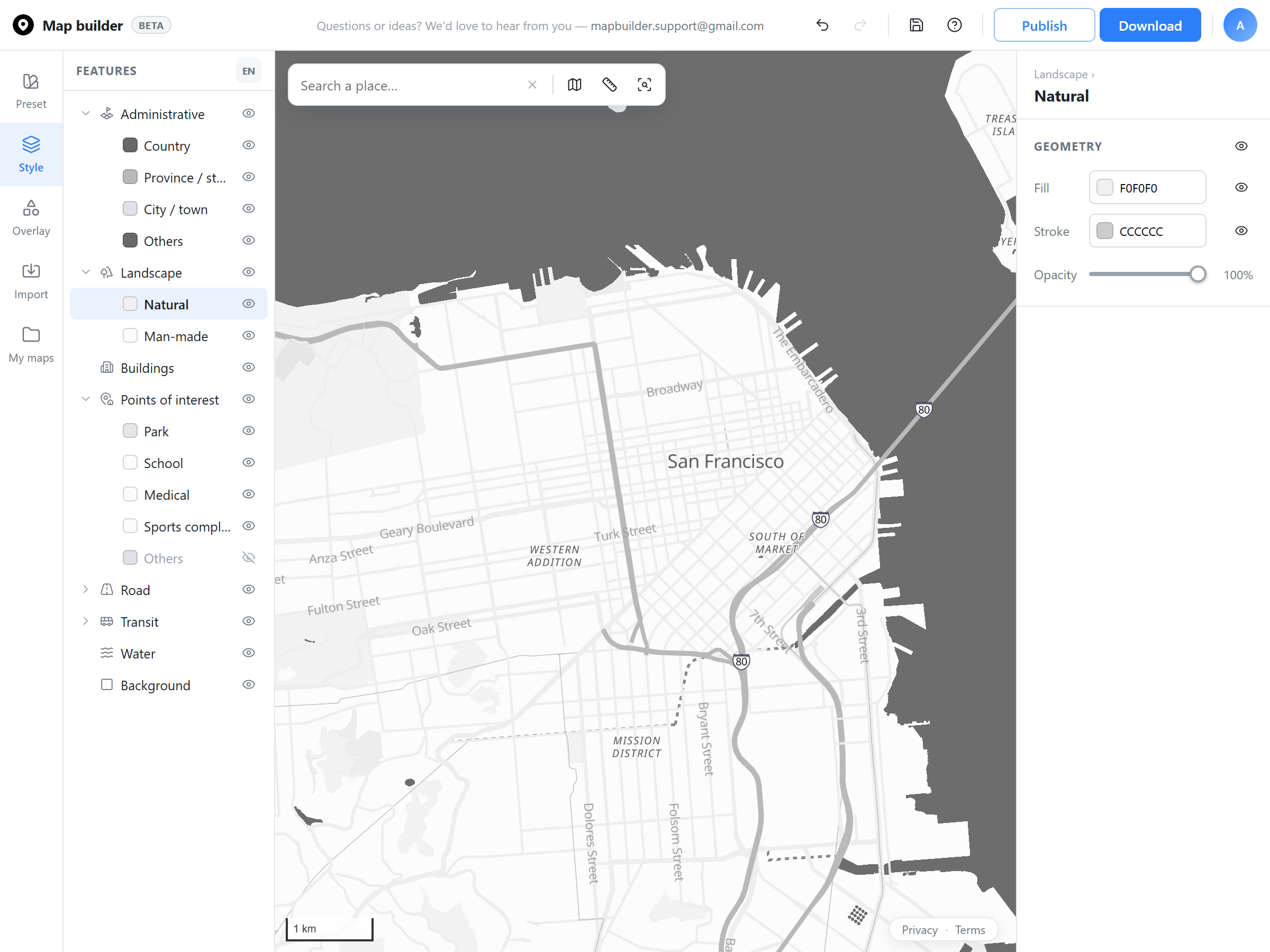
Map Builder - Product design
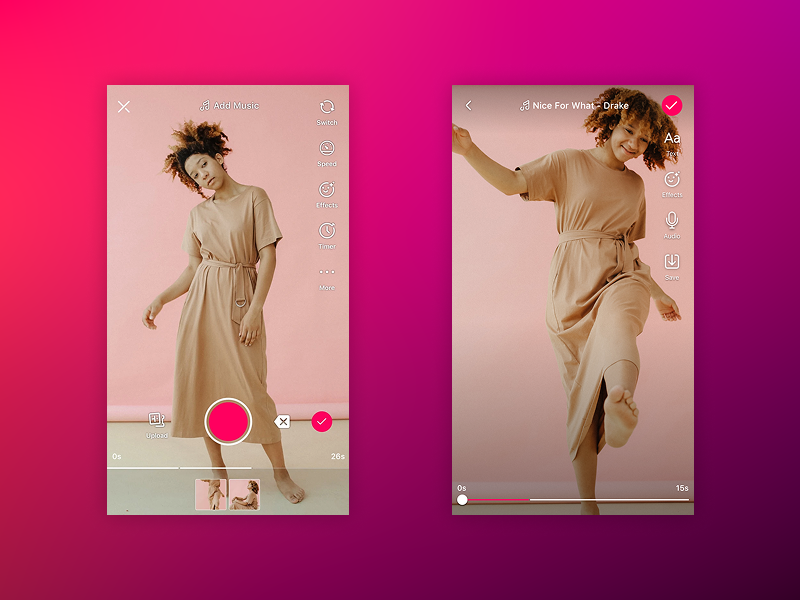
Lasso - Meta
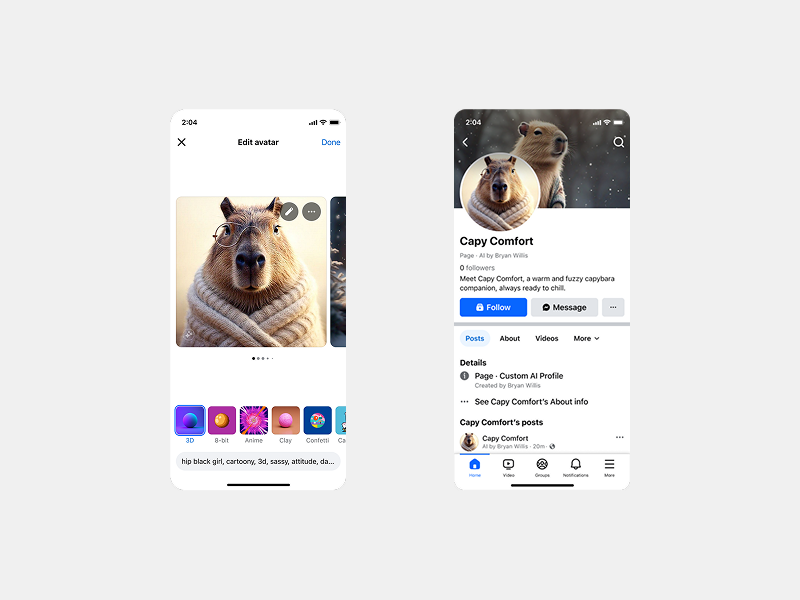
AI Profiles - Meta
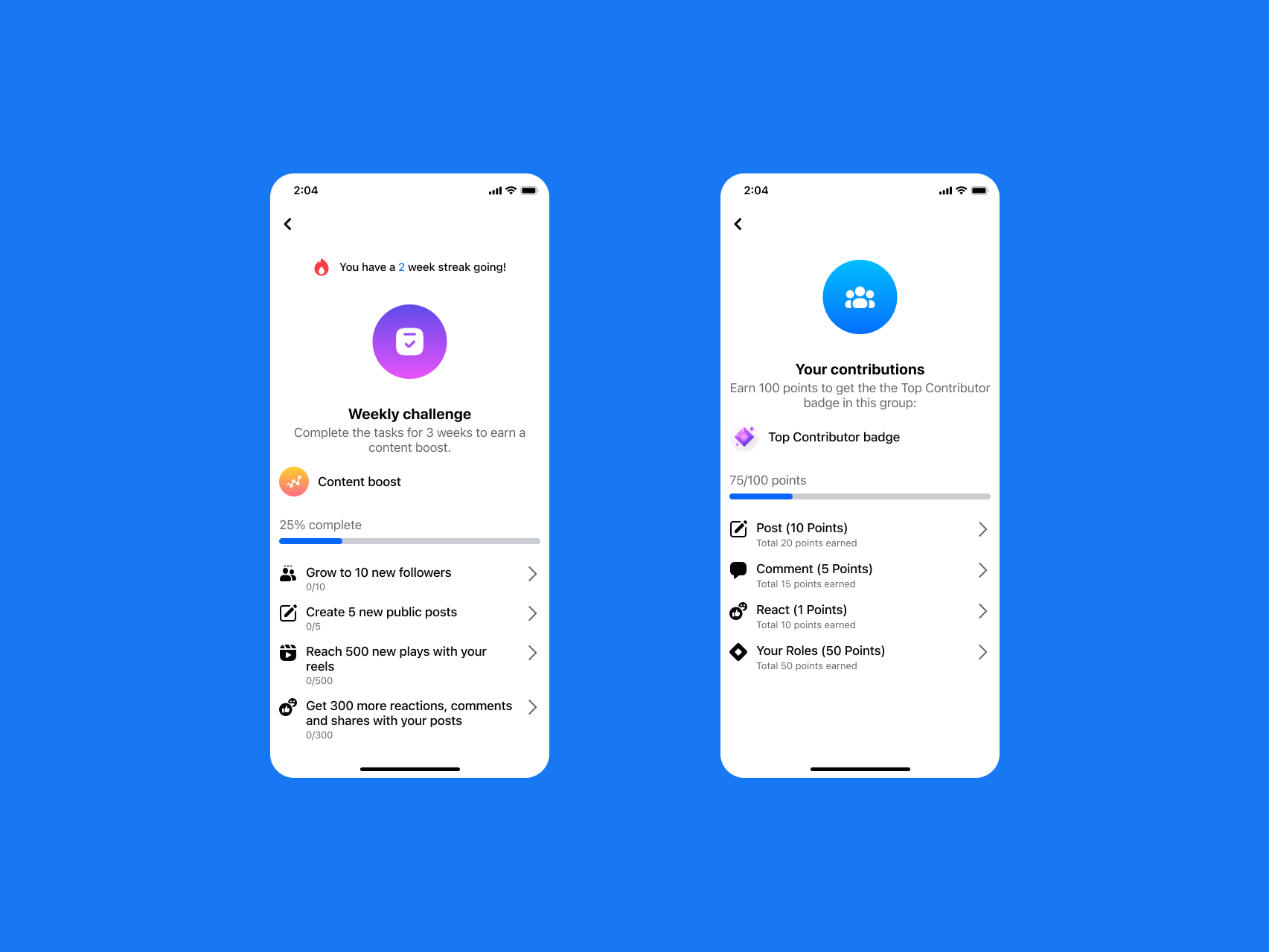
Creator guidance system - Meta
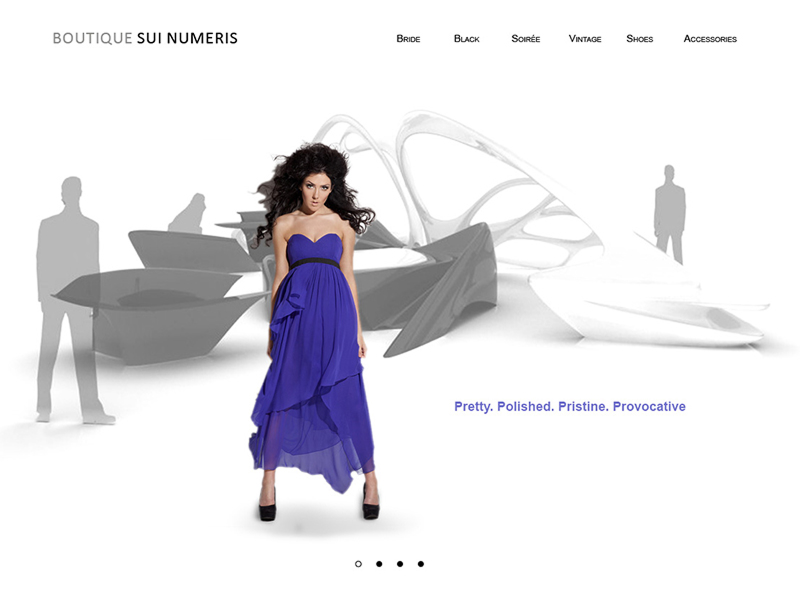
Boutique Sui - Fashion e-commerce
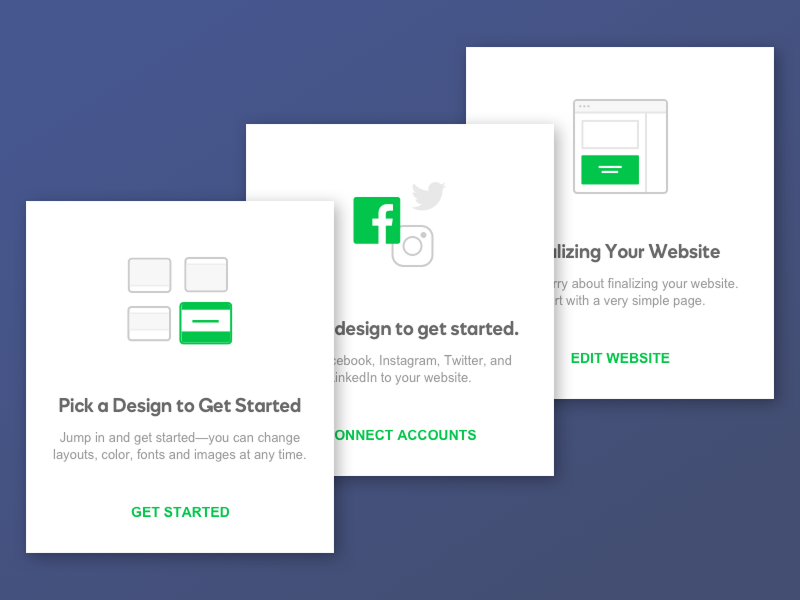
Onboarding cards - GoDaddy
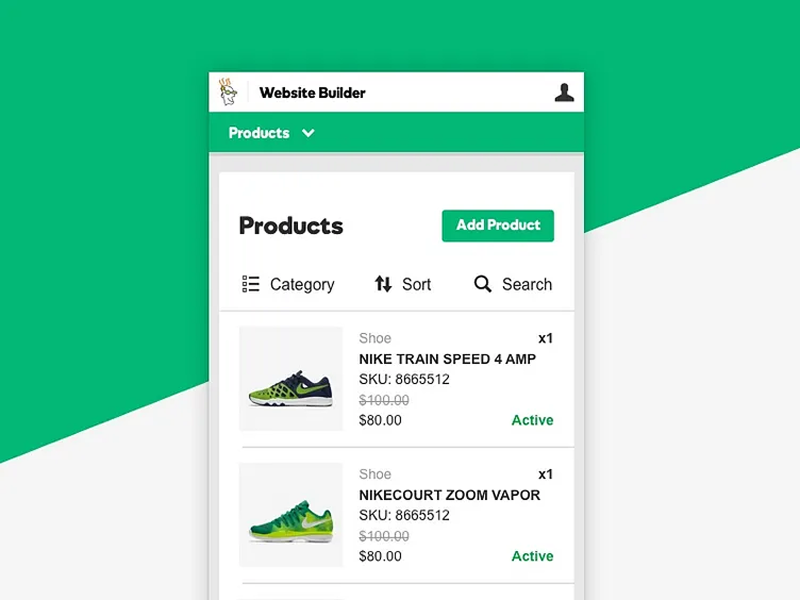
Online store - GoDaddy
Ivylla - Brand identity
Hey Menu - Brand identity
Pricing
One flat rate. Complete flexibility.
- One active request in the queue at a time
- Average first pass in 2 to 3 business days
- Unlimited requests and revisions
- Design systems & production code, built directly—no static mockups
- Product, systems, and brand design
- Pause or cancel anytime, no contracts
Billed monthly through Stripe. Pause or cancel from the same email thread at any time. Services provided by DONO Studio LLC, a California limited liability company.
Frequently Asked Questions
What counts as one request?
A screen, a workflow, a component, or a self-contained feature. Larger initiatives (like a full app redesign) are broken into sequential requests so you see testable progress every 2 to 3 days instead of waiting weeks for a big reveal.
How fast is turnaround?
Most requests get a first pass within 2 to 3 business days. Since work is executed asynchronously, submitting a clear brief up front is the biggest lever on speed.
What tools do you use?
We skip static Figma mockups entirely and build directly in production code using Claude Code.
What's not included?
Large-scale illustration campaigns, 3D animation, and backend engineering. If a request needs specialized external resources, it gets flagged up front rather than quietly attempted.
Can I pause my subscription?
Yes. Pause for any month where you have no active design tasks and resume whenever your roadmap demands it. Billing stops completely while paused.